Create
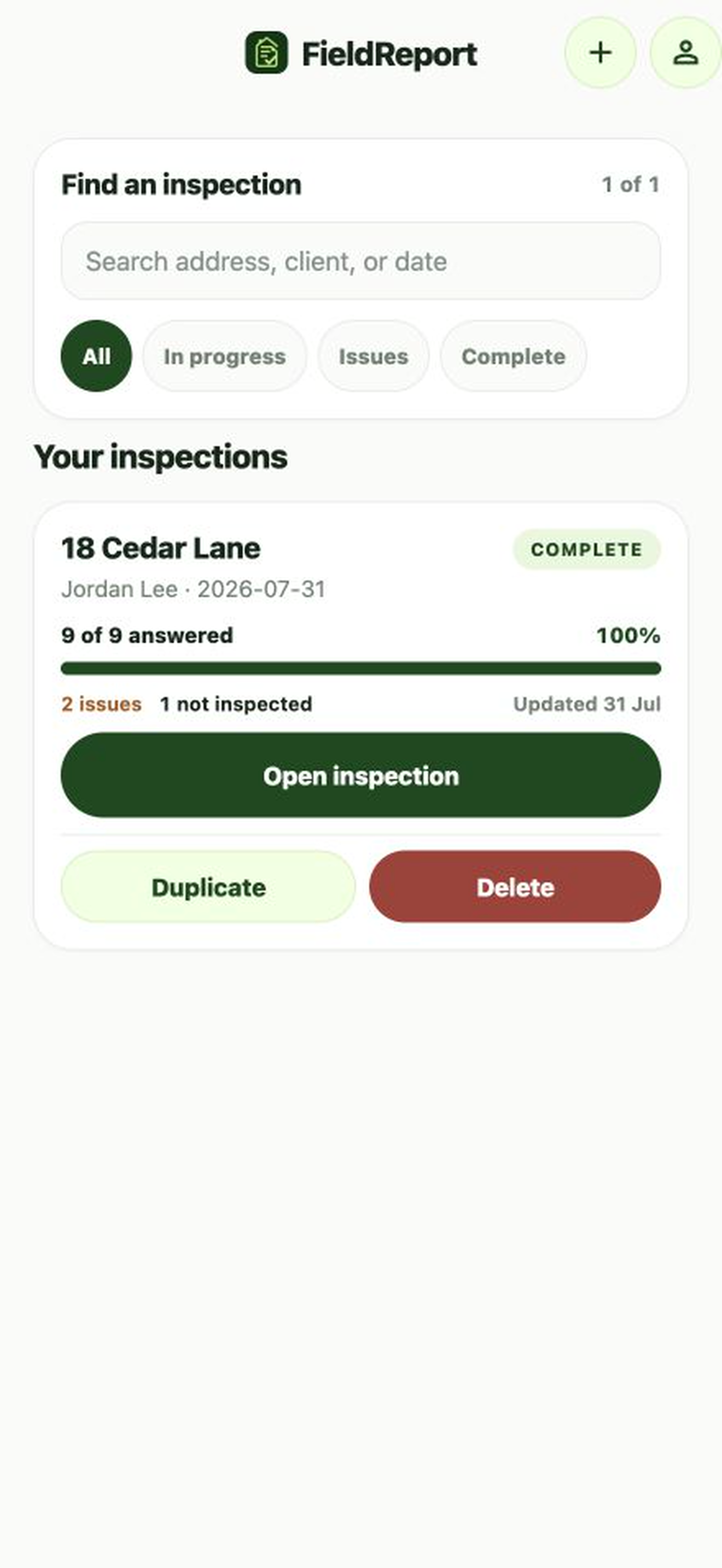
Add the property, client, and date. Your latest checklist becomes the starting point.
Offline inspection reporting for iPhone
Move from checklist to documented finding to a polished PDF—without creating an account or sending client work to a cloud workspace.
Designed for solo inspectors · English and Spanish · No subscription
A calm field workflow
FieldReport keeps every step visible and focused, with factual statuses instead of scores or certification claims.
Add the property, client, and date. Your latest checklist becomes the starting point.
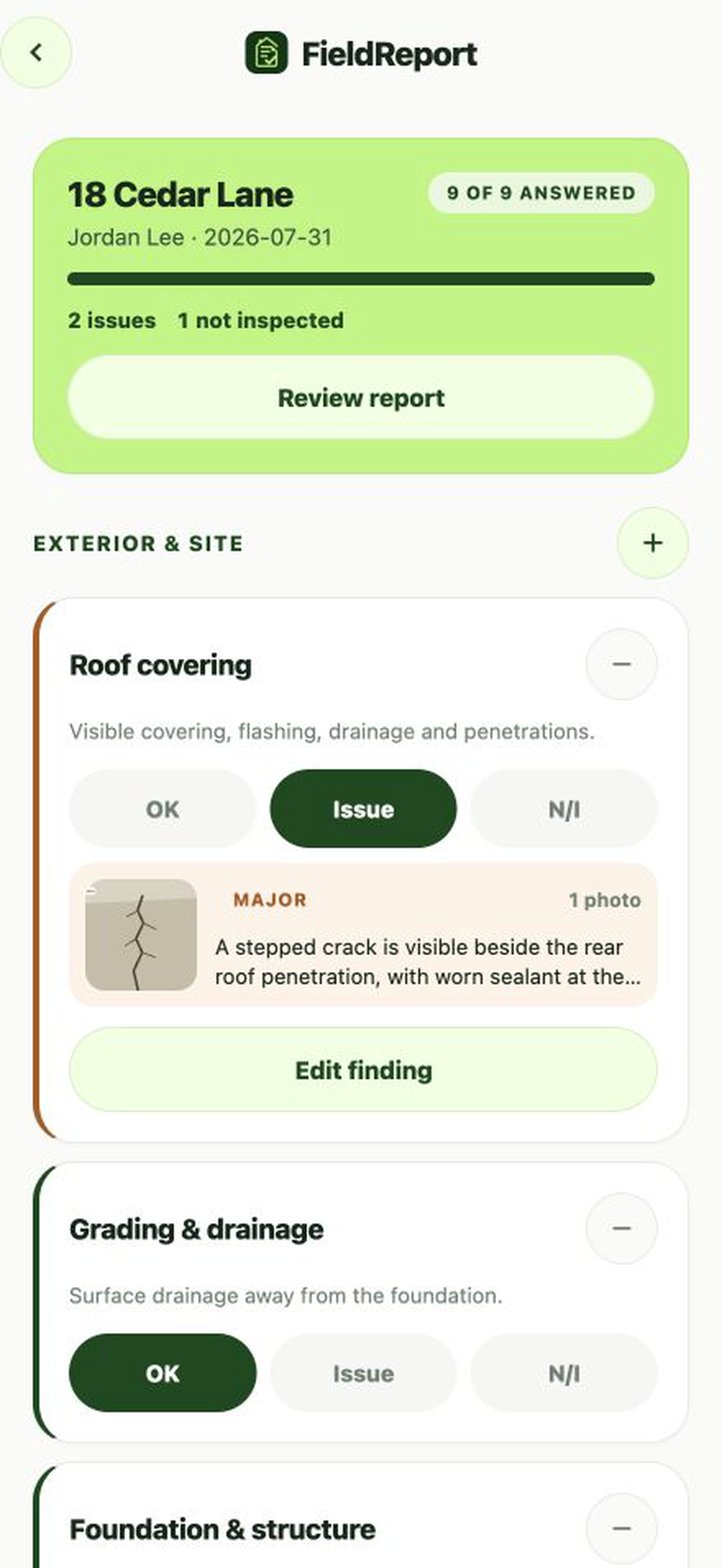
Record OK, Issue, or Not inspected for each item and continue at the next unanswered item.
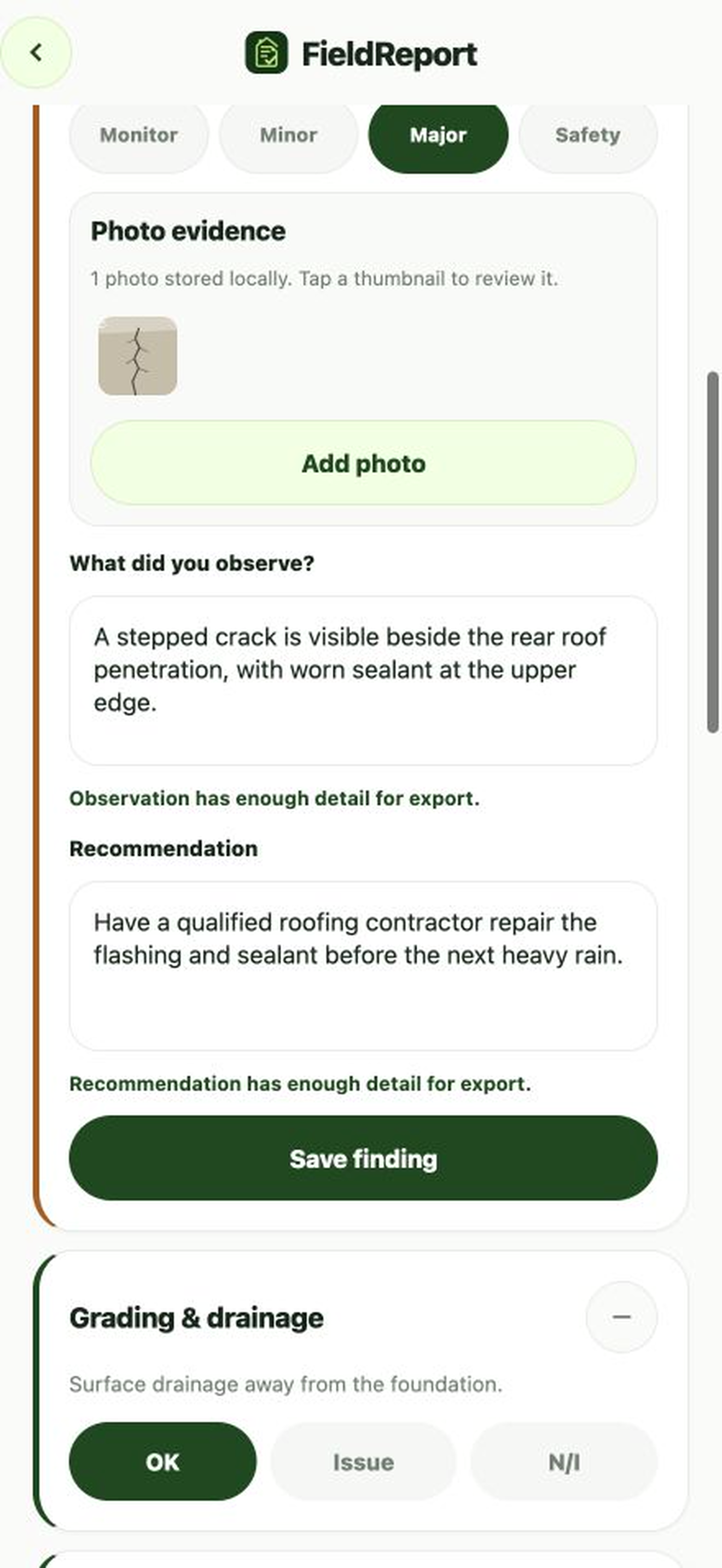
Add severity, a concise observation, recommendation, and optional photo evidence inline.
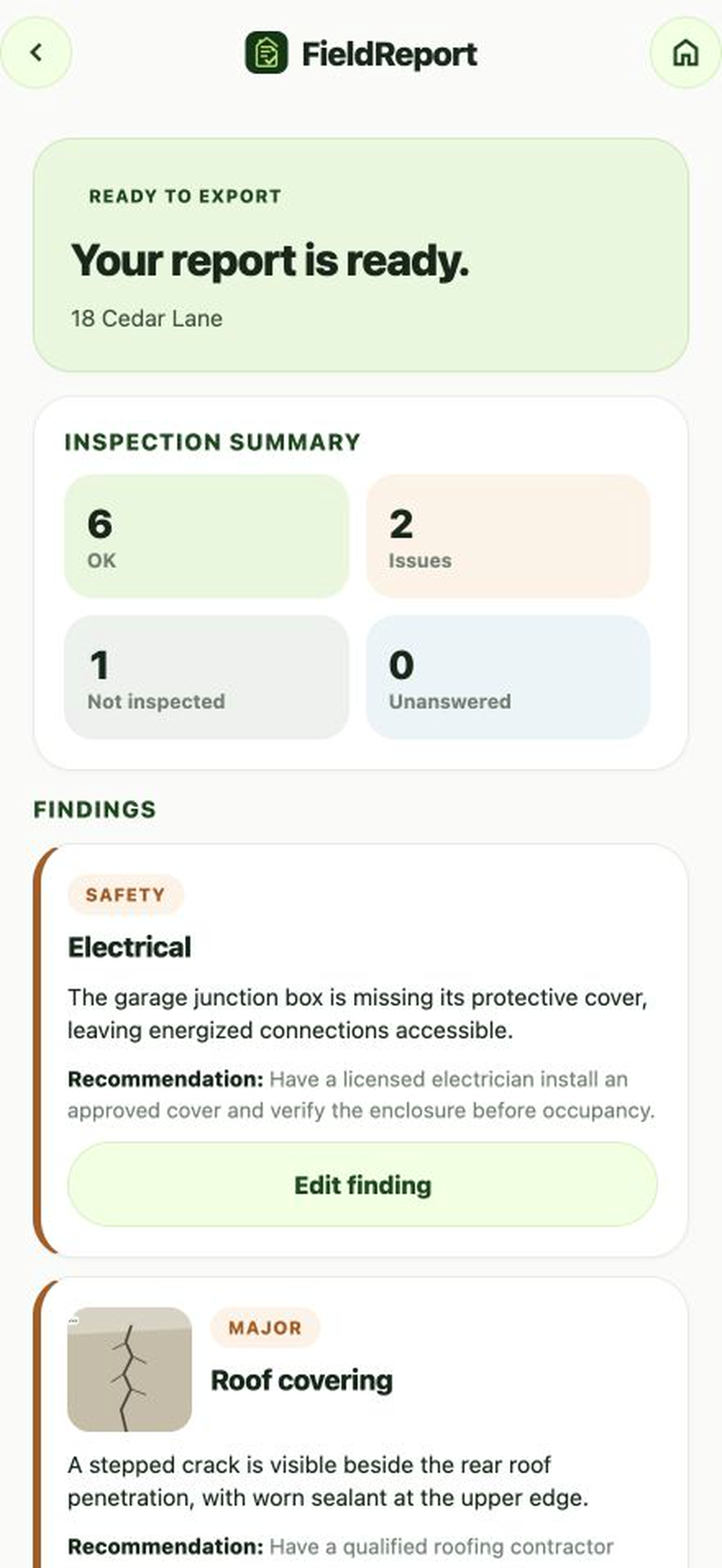
Resolve missing details, confirm inspector sign-off, then generate and share a branded PDF.
Adaptable checklist
Add or remove checklist items inside each section. FieldReport remembers the resulting checklist as the on-device starting point for the next inspection.
Focused evidence
Document an issue without losing your place. Photos, observation, recommendation, and severity stay together inside the originating checklist card.
Professional PDF
Findings are ordered by severity, unresolved details link back to the correct checklist item, and the completed PDF carries the inspector’s identity and acknowledgement.
Private by design
FieldReport has no account system, analytics, advertising, cloud synchronization, or remote inspection database.
Professional limitation
The adaptable checklist is not a certified inspection standard. Inspectors remain responsible for the professional, legal, and reporting requirements that apply in their location.
Read the privacy policyQuestions
No. The inspection workflow, photos, profile, and PDF generation are designed to work locally.
The app creates the PDF locally, then opens the iOS share sheet so you can choose Files, AirDrop, Mail, Messages, or another destination.
Yes. Add or remove items within the supplied sections, and the latest checklist becomes the starting point for new inspections.
No. FieldReport Inspect is planned as a free App Store download with no account or subscription.
FieldReport Inspect
Launching as a free iPhone app.